
Basic Package
৳15,000 Year
Order Now- POS Software for 1 Shop
- Yearly Server Cost included
- Single User
- Monthly: 1250 TK (Pay Yearly)
A Pos Software system software is a specialized application used by businesses to process transactions, manage inventory.

ZAMAN IT provide POS Software in Bangladesh since 2008. You can manage your shop by our POS Software. You can use barcode and can manage sales, Purchase, Inventory, Stock, branch and team members by our software. More than 200 shop and pharmacy are using our POS Software Price in Bangladesh to manage their shop. To check the demo, call us.







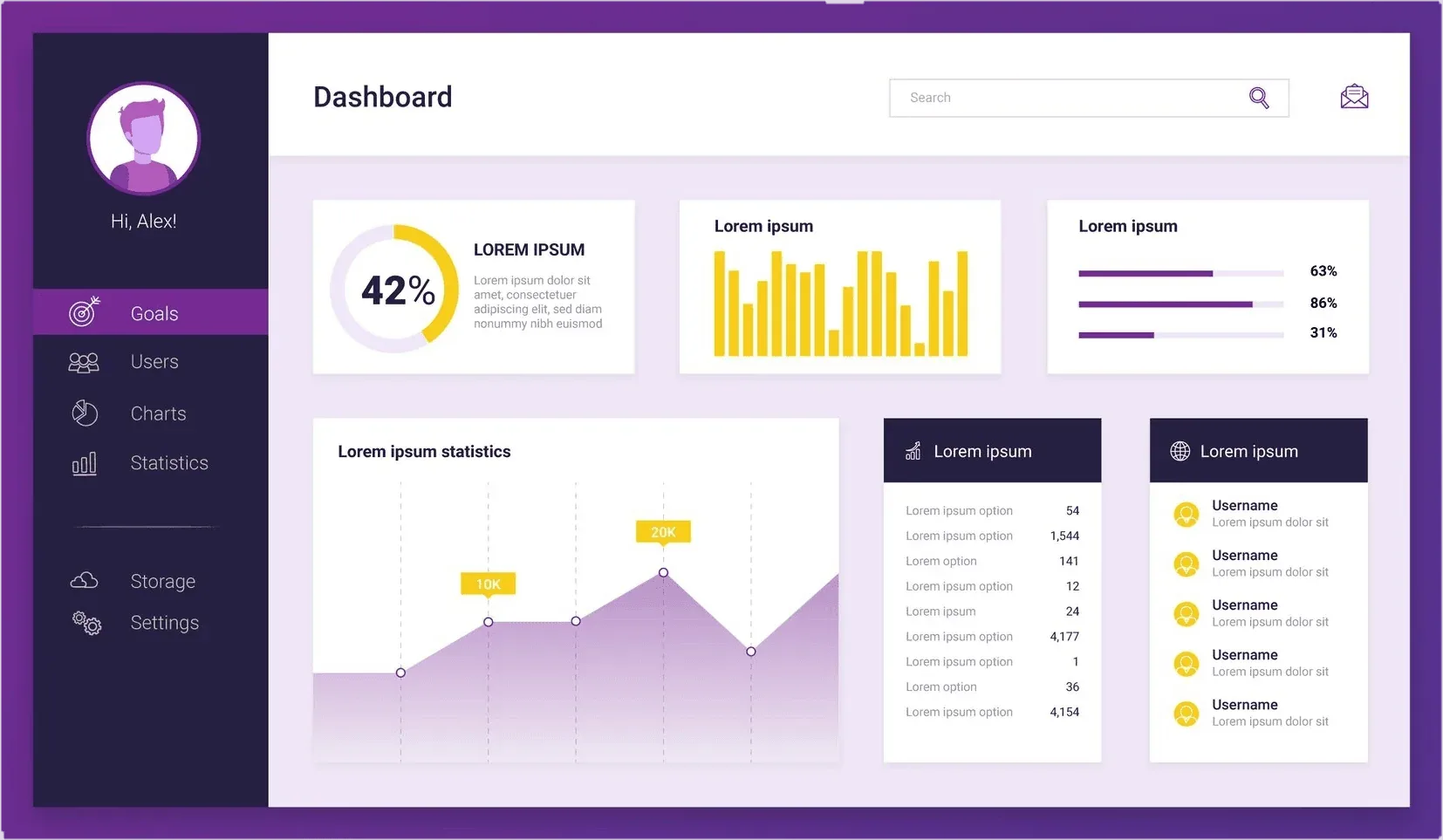
Real-Time Data Visualization: Obtain current information on sales, stock levels, and customer activity for immediate decision-making.
Customizable Widgets: Have the dashboard display the most informative metrics for your business, such as top-selling products, busiest hours, or margins.
Alerts & Notifications: Set automatic notifications for low stock levels, sales targets, or other important KPIs to stay on top of things and in the know.
Mobile Access: Stay on top of your business on the go with a mobile-accessible dashboard, staying current even when away from the office.
Sales Reports: Quickly pull clear reports by product, category, site, or staff member so you can spot trends and fine-tune your sales plan.
Inventory Reports: Watch stock levels, movement, and value with full inventory reports that support smarter ordering and storage decisions.
Customer Reports: Scan who buys what, when, and why so your next ad hits home and keeps shoppers coming back.
Financial Reports: Read profit-loss, balance-sheet, and cash-flow snapshots in simple terms to see how your money is really doing.
Custom Report Generation: Whip up a report on any subject you need and jump on the insight before the chance fades.
Accept Different Payments: Permit customers to pay in their own way, with credit cards, tap-and-go mobile devices, cash, or otherwise, so that they feel at ease.
Secure Transactions: Secure payments with robust encryption and best rules, so that buyer data is not available to anybody else.
Account Management: Give staff an easy dashboard to update accounts, look over past purchases, and hand out store credit or gift cards that keep buyers coming back.
Split Payments: Let customers slice their bill among two or more methods, from card-and-cash to maybe a digital wallet, so checkout feels fast and stress-free.
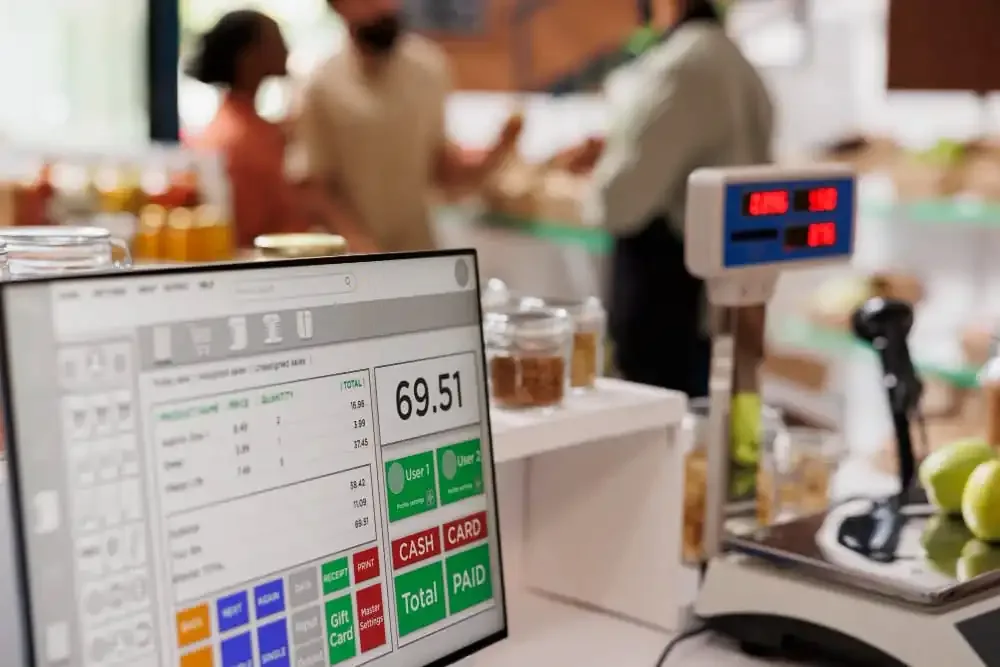
Inventory Monitoring: Monitor your stock with current records and real-time inventory levels to prevent overstocking and stockouts.
Product Categorization: Organize products into categories and subcategories to enable browsing and management, making working more efficient.
Pricing Flexibility: Adjust and change product prices, provide discounts, and manage promotions effortlessly to maximize sales and profitability margins.
Supplier Integration: Link suppliers to products so you can easily reorder and see purchase histories, never short on what you need.
Centralized Control: Keep track of and manage all aspects of your business from a single point, including sales, inventory, and employee performance.
Multi-Store Support: Manage multiple store locations easily with centralized stock, price, and reporting management.
Employee Management: Assign tasks, track work hours, and monitor employee performance to ensure productivity and accountability.
Customer Relationship Management (CRM): Build and maintain solid customer relationships by tracking purchasing histories, managing loyalty programs, and offering personalized promotions.

Point of Sale (POS) software is a specialized application that is used by businesses to process sales, track inventory, and coordinate sales operations. It allows businesses to accept various forms of payment, track inventory in real-time, generate reports on sales pos software price in bangladesh.
Key features of POS software include transaction processing, inventory management, sales reporting and analytics, customer management, employee management, integration with other software, customization and scalability, and security.
POS software assists companies by streamlining and automating the sales process of products or services. It makes operations more efficient, minimizes mistakes, gives management valuable information for making decisions, and enhances the entire customer experience.
POS software is used by a wide range of businesses, including retail stores, restaurants, cafes, bars, salons, spas, and more. Any business that sells products or services to customers can benefit from using POS software.
Security is a critical aspect of POS software, especially when handling sensitive customer information and payment data. POS software has to comply with industry data encryption requirements and PCI-DSS (Payment Card Industry Data Security Standard) to ensure security for transactions and customer information.
Yes, POS software can be customized to meet the specific needs of different types of businesses. It should be flexible and scalable to accommodate the unique requirements of each business, whether they are a small retail store or a large chain of restaurants.